For mosques and their communities
One mosque. One time. The same everywhere.
You enter the prayer times once. After that they're correct on the website, in the app and on the screen in the prayer room.

Prayer times today
- Fajr--:--
- Sunrise--:--
- Dhuhr--:--
- Asr--:--
- Maghrib--:--
- Isha--:--
Our apps
Your mosque on every screen
The same times everywhere: on the phone, on the TV in the prayer room and on any computer.
- Adhan reminders, even without internet
- Mosques near you, as a list and on a map
- News and donations for your mosque
Available now on the App Store and Google Play.


- Google TV
- Fire TV
- Samsung
- LG
- Roku
- Hisense VIDAA
- Pair it with a short code, no link to type
- Keeps running without internet
- 12 templates, 10 colours, 15 languages
Coming soon to the TV stores. Until then, it runs in the TV's own browser.
- Raspberry Pi
- Chrome
- Open your link once, in full screen
- A Raspberry Pi or mini PC starts it by itself
- Works in any up-to-date browser
Ready today.Raspberry Pi guide
What you get
Set up once, up to date everywhere
Times, screen, news and donations all run on the same data. Change one thing and it's right everywhere.

Prayer times
Calculated or typed in, with iqama and Friday prayer. Daylight saving time changes by itself.
Learn more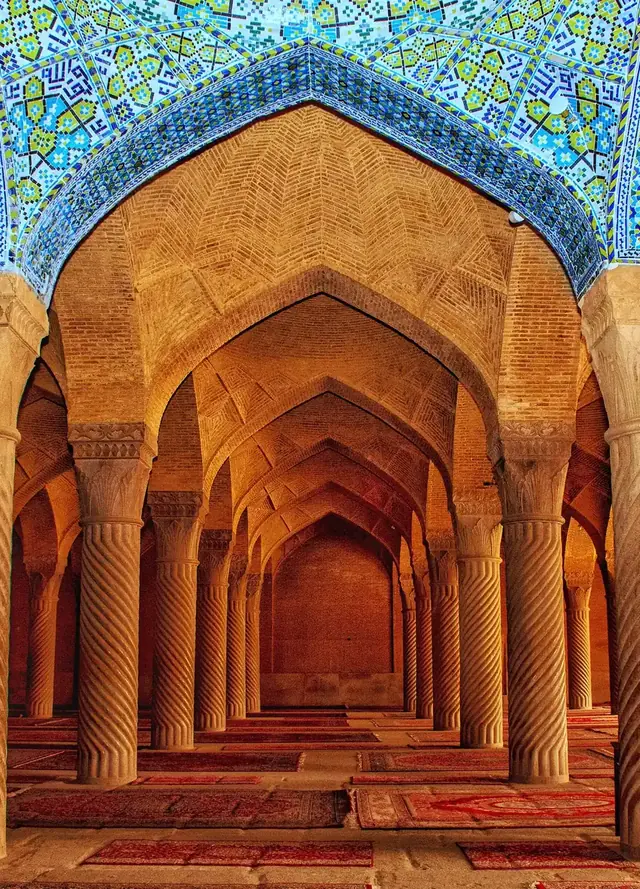
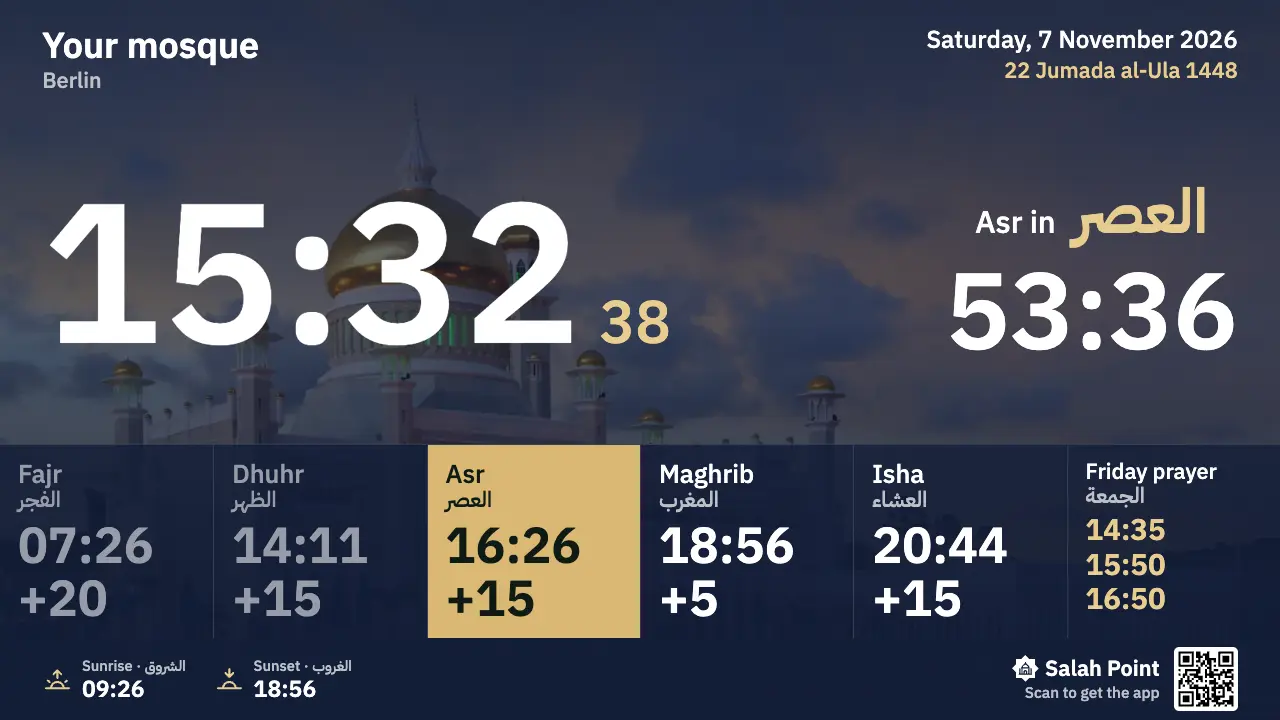
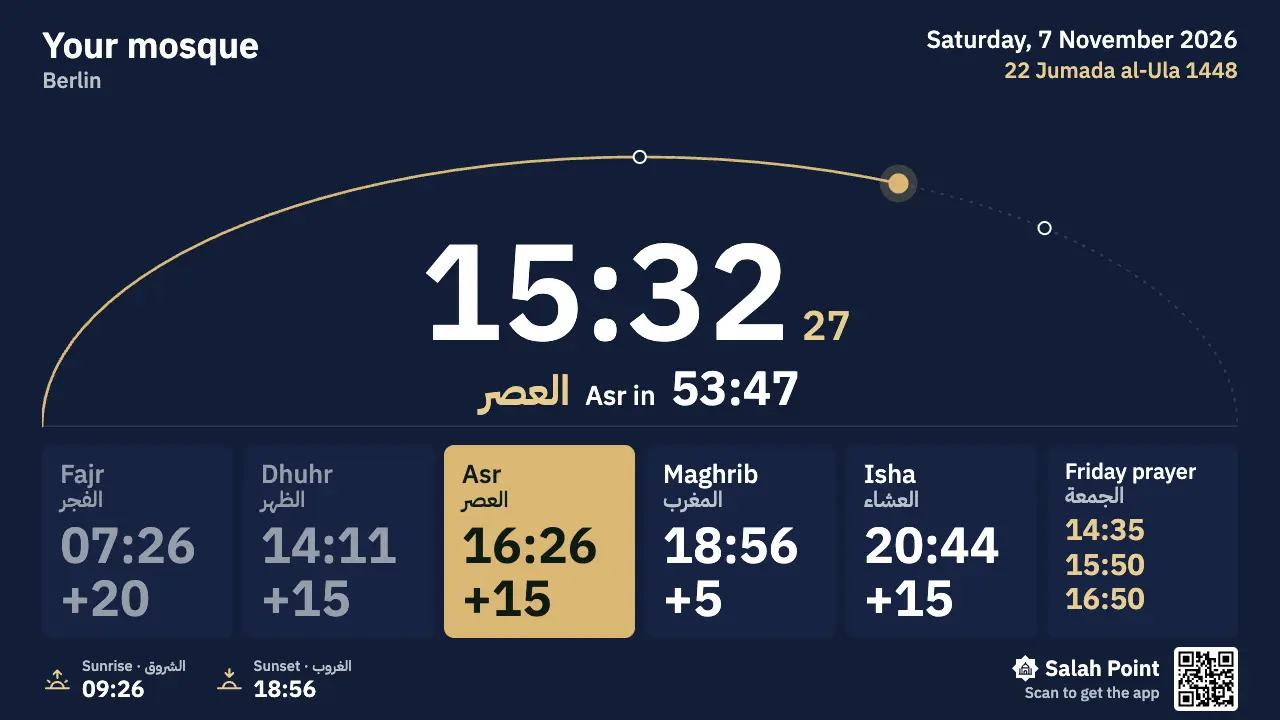
Prayer room screen
A computer and a screen are enough. The times stand large in the room, even without internet.
Learn more
Posts and events
News and events reach the community under "News" and on the mosque's page.
Learn more
Your own ways to donate
PayPal, card or bank transfer: each mosque turns on the methods it wants to offer.
Learn more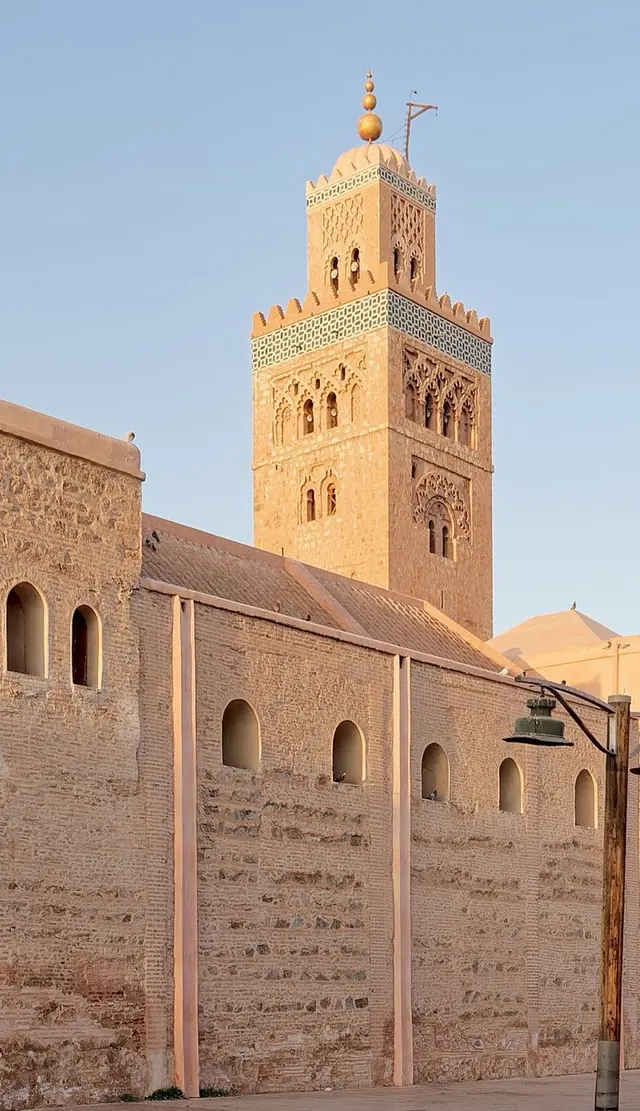
A page for your mosque
Address, Friday prayer, facilities and directions. People find you by name, city or postcode.
Learn more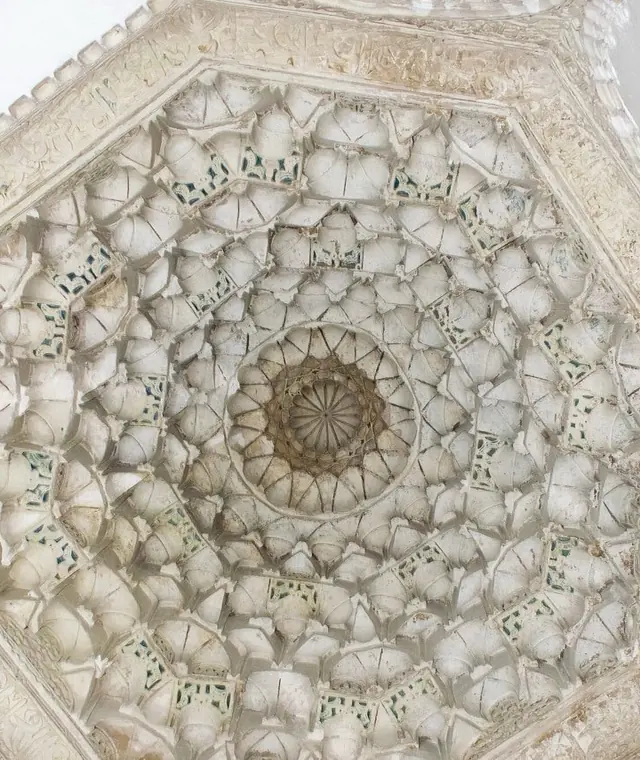
The app
Choose your mosque once and the app opens on its times. For iPhone and Android.
Learn more


In the prayer room
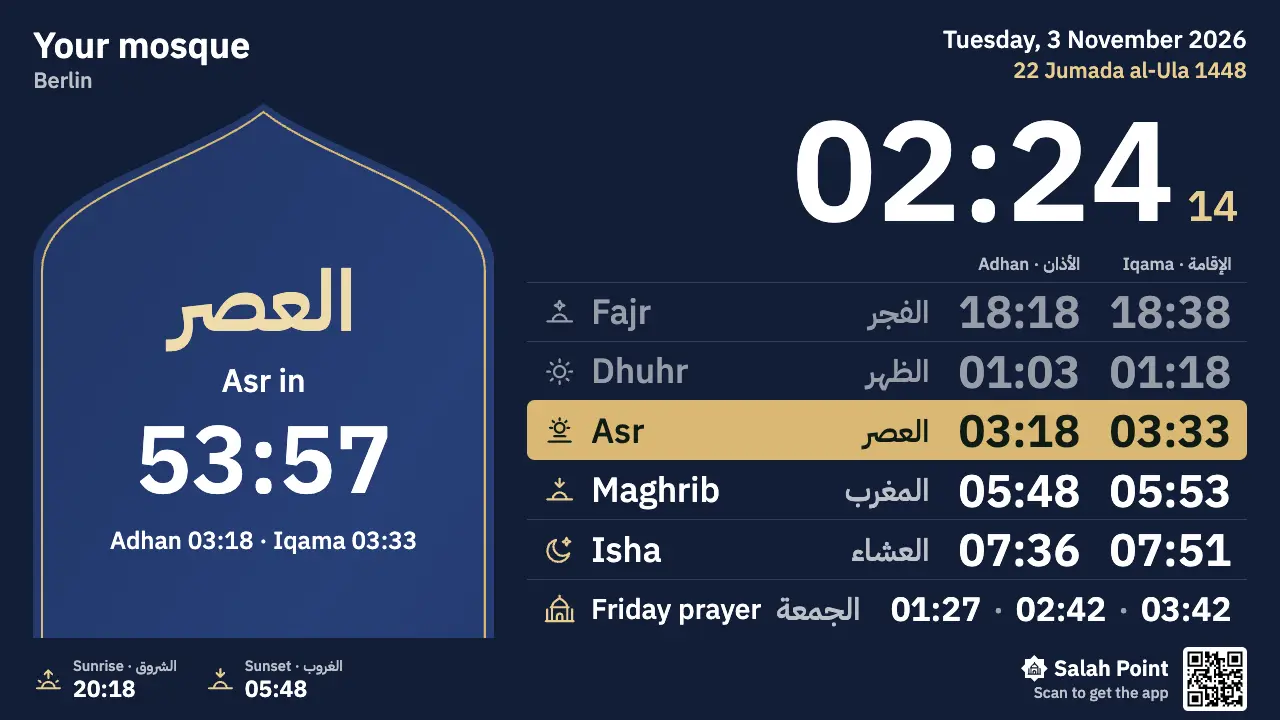
The times, large on the screen
This isn't a picture: the real screen app is running here, with 12 templates, 10 colours or your own, your own photo and 15 languages. Try a template yourself.
How it works
In the prayer room in three steps
Register your mosque
A name, an address and an email to sign in. We review every mosque by hand.
Set the times
Have them calculated, type in your own or import a whole year from a CSV file. Iqama and Friday prayer included.
Open the screen
Open your link once on the computer in the prayer room. After that, the screen keeps running without internet.

Offline and live
The internet drops. The screen keeps going.
Everything the screen needs is stored on the device. When the internet is back, it fetches changes by itself.
Times up to the end of next year
The screen stores them with your logo, photos and texts. The clock changes are already in them.
Changes arrive by themselves
With internet, a new time or text usually shows at once and at the latest within a few minutes. Nobody has to touch the screen.
Every screen shows the same
More than one room? Open the same link on each computer. Every screen follows the same times and texts, even offline.
Languages
15 languages, two at once
The screen speaks the languages of your community. A second language stands beside the prayer names.
- Deutsch
- English
- العربية
- Français
- Svenska
- Türkçe
- اردو
- বাংলা
- हिन्दी
- Bahasa Melayu
- Bahasa Indonesia
- فارسی
- Español
- Nederlands
- Русский
- Fajrالفجر
- Dhuhrالظهر
- Asrالعصر
- Maghribالمغرب
- Ishaالعشاء
The website and the app are in German, English, Arabic, French and Swedish.
Texts on the screen
From official sources, never in our words
Between prayers the screen can show Quran verses and hadith. They come word for word from published sources, and the source is shown with them.
Quran in Arabic
TanzilQuran translations
QuranEncHadith
HadeethEnc
A mosque can add its own dua, reminders and hadith with their source, and they appear exactly as written. Nobody can type in a Quran verse by hand.
For the community
Everything about your mosque in one place
- The next prayer time with adhan and iqama, exactly as your mosque set it.
- Friday prayer, facilities and directions to the mosque on one page.
- News from your mosque and from other communities.
- Donate directly to the mosque, with nothing in between.
Donations go directly to the mosque
Every donation goes straight to the mosque, through its own PayPal, its own donation link or its bank account. Salah Point handles no payments and keeps nothing.
Ads
Ads that give back to mosques
Businesses reach a community, the mosque earns a share, and ads use no personal data.
Checked by hand
We read every ad before a mosque sees it.
The mosque decides
Each mosque allows or refuses an ad, and can turn ads off completely.
A share for the mosque
In its account a mosque sees what it has earned, what has been paid and what is still owed.
No personal data
Ads are booked per mosque, not per person. Each one is clearly labelled as an ad.
Questions and answers
Good to know
What does Salah Point cost a mosque?
Nothing. Registering, managing it all, the screen and the mosque's page cost a mosque nothing. Salah Point earns from ads in the news and in the app, and only at mosques that allow them. The screen shows no ads.
What do we need for the screen?
A computer and a screen. Open your personal link once with internet on the computer in the prayer room. After that, it runs without internet.
Who decides the prayer times?
The mosque. Choose a calculation method and adjust each prayer, or type in your own times. The website, the app and the screen then all show the same.
Can the screen match our mosque?
Yes. There are 12 templates and 10 colours or your own, with your logo and your own photo. It can show one language or two.
Does donation money pass through Salah Point?
No. Every donation goes straight to the mosque, through its own PayPal, its own donation link or its bank account. Salah Point handles no payments.
Where do the Quran verses and hadith come from?
The Arabic Quran text comes from Tanzil, translations from QuranEnc and hadith from HadeethEnc, all word for word. We never write our own translations.
Do you track visitors?
No ad trackers. Ads are booked per mosque, not per person. Only if you agree does PostHog show us how the site is used. If you reject it, it does not load.
Why do you review each mosque?
So that only real mosques appear and post in public. You can set everything up before the review.
Is there a phone app?
Yes. Salah Point is free for iPhone on the App Store and for Android on Google Play. Choose your mosque once and the app opens on its times, with adhan reminders, news and ways to donate.

Bring your mosque on board
Once we've reviewed your mosque, people can find it publicly. You can set everything up before then.
Register a mosqueAre you a business that wants to be seen in mosques? Place ads